How to Improve Search Engine Visibility: A Practical Guide
 Thu Nghiem
Struggling to get your website noticed in search results? This step-by-step guide covers technical SEO, high-quality content, backlinks, and local SEO strategies to boost your search engine visibility and attract the right audience.
If your website isn’t showing up in search results, it might as well be invisible. For marketing managers, small business owners, and content creators, search engine visibility isn’t just about traffic—it’s about reaching the right audience at the right time. The higher you rank, the more likely potential customers will find you before they find your competitors.
But here’s the catch: improving search engine visibility isn’t about quick fixes or gaming the system. It’s about building a website that search engines and users trust. That means optimizing your technical setup, creating content that answers real questions, and earning authority in your industry—all while keeping an eye on performance.
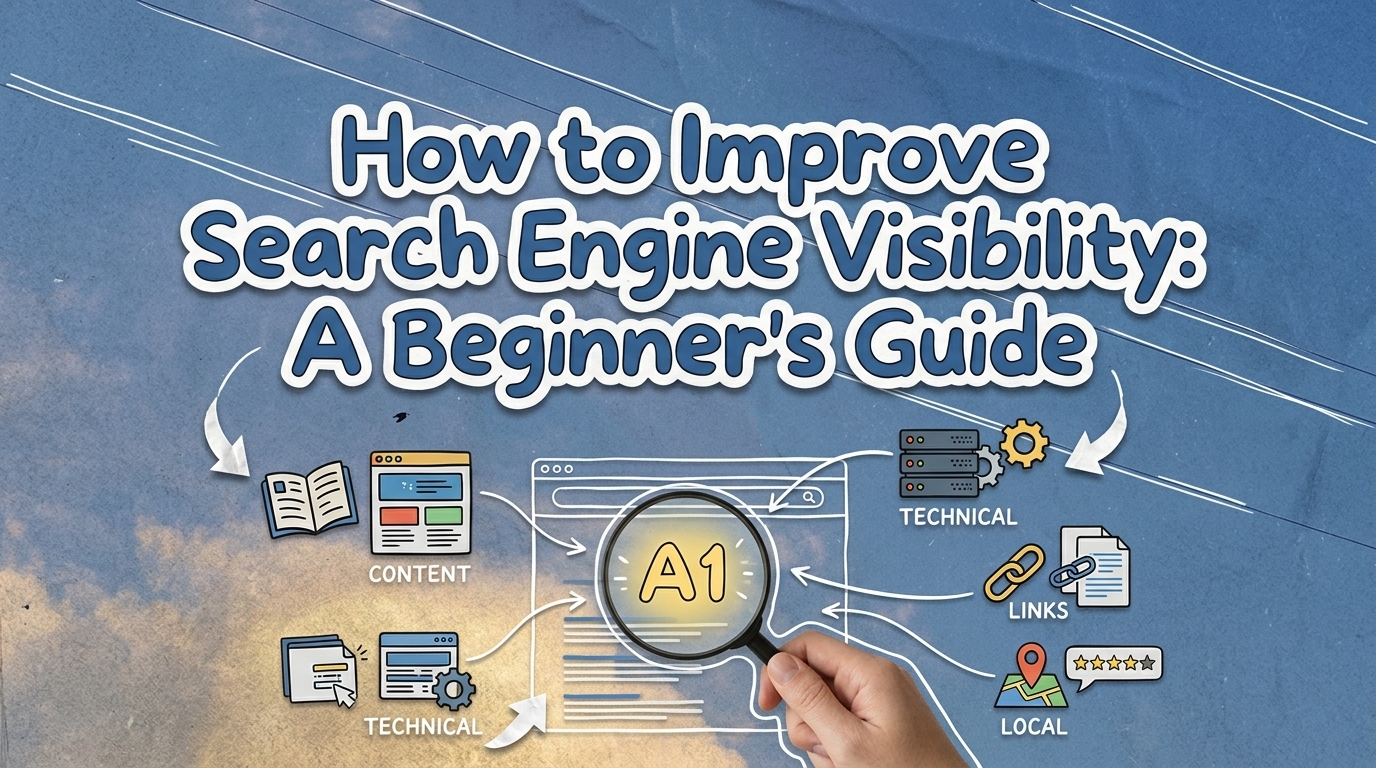
This guide breaks down the process into five actionable steps. You don’t need to be an SEO expert to get started, but you do need to be consistent. Let’s dive in.
Step 1: Optimize Your Website’s Technical Foundation
Before search engines can rank your content, they need to find and understand it. That’s where technical SEO comes in. Think of it as the infrastructure of your website—if the foundation is shaky, everything else will suffer.
Crawlability and Indexability
Search engines use bots to "crawl" your website and index its pages. If these bots can’t access your content, it won’t appear in search results.
Key actions:
- Submit a sitemap to Google Search Console. A sitemap is like a roadmap for search engines, listing all the pages you want them to index. Most website platforms (like WordPress or Shopify) generate sitemaps automatically—you just need to submit them.
- Fix broken links and 404 errors. Broken links frustrate users and signal to search engines that your site is outdated. Use tools like Screaming Frog or Google Search Console to identify and repair them.
- Use robots.txt wisely. This file tells search engines which pages to crawl and which to ignore. For example, you might block admin pages or duplicate content. But be careful—blocking important pages can hurt your rankings.
Site Speed and Mobile-Friendliness
Slow-loading pages and poor mobile experiences drive users away. Google’s Core Web Vitals measure how quickly your site loads, how stable it is while loading, and how interactive it is. These metrics directly impact your rankings.
Quick wins to improve speed:
- Compress images using tools like TinyPNG or ShortPixel. Large images are one of the biggest culprits for slow load times.
- Enable lazy loading. This delays loading off-screen images until the user scrolls to them, reducing initial load time.
- Use browser caching. Caching stores static files (like images and CSS) on a user’s device, so they don’t have to reload every time they visit your site.
- Test your site with PageSpeed Insights or Lighthouse. These tools provide specific recommendations for improvement.
Secure and Accessible URLs
Your website’s URLs should be clean, descriptive, and secure.
Best practices:
- Use HTTPS. Google has confirmed that HTTPS is a ranking factor. If your site still uses HTTP, migrate to HTTPS by installing an SSL certificate (most hosting providers offer this for free).
- Keep URLs short and readable. For example,
/blog/seo-tipsis better than/p=123. Include keywords naturally, but avoid stuffing. - Use hyphens to separate words. Search engines treat hyphens as spaces, so
/seo-tipsis clearer than/seotipsor/seo_tips.
Step 2: Create High-Quality, User-Focused Content
Content is the heart of SEO. But not just any content—it needs to be valuable, relevant, and aligned with what users are searching for. Here’s how to get it right.
Keyword Research Basics
Keywords are the phrases users type into search engines. Your goal is to identify the keywords your audience is searching for and create content around them.
How to find the right keywords:
- Use free tools like Google Keyword Planner or Ubersuggest. These tools show search volume (how many people search for a term) and competition (how hard it is to rank for it).
- Focus on search intent. Not all keywords are created equal. For example:
- Informational: "How to improve search engine visibility" (users want a guide)
- Navigational: "Google Search Console login" (users want to find a specific page)
- Commercial: "Best SEO tools for beginners" (users are researching options)
- Transactional: "Buy SEO software" (users are ready to purchase)
- Target long-tail keywords. These are longer, more specific phrases (e.g., "how to improve local SEO for restaurants"). They have lower search volume but higher conversion rates because they attract users with clear intent.
Content Optimization
Once you’ve identified your keywords, it’s time to create content that ranks.
Best practices:
- Write for humans first. Keywords should fit naturally into your content. Stuffing them unnaturally will hurt readability and rankings.
- Use keywords strategically:
- Title tag: Include your primary keyword near the beginning (e.g., "How to Improve Search Engine Visibility: A Step-by-Step Guide").
- Headers (H1–H3): Break up your content with headers and include keywords where relevant. For example, this section uses "Content Optimization" as an H2.
- Meta description: This is the snippet that appears in search results. Write a compelling summary (under 160 characters) that includes your keyword.
- Body text: Use keywords naturally, but don’t overdo it. Aim for a keyword density of 1–2% (e.g., 1–2 mentions per 100 words).
- Structure your content for readability:
- Use short paragraphs (2–3 sentences max).
- Break up text with bullet points, numbered lists, and images.
- Include internal links to other relevant pages on your site. This helps users navigate and boosts the authority of your pages.
- Update old content. Search engines favor fresh, up-to-date content. If you have older blog posts or pages, revisit them to add new information, update statistics, or improve readability.
Content Depth and Freshness
Google rewards content that thoroughly answers a user’s query. Instead of publishing thin, surface-level content, aim for "skyscraper" content—comprehensive guides, how-tos, or resources that cover a topic in depth.
Examples of high-value content:
- Ultimate guides (e.g., "The Complete Guide to Local SEO")
- How-to tutorials with step-by-step instructions
- Original research or data-driven posts
- Lists and comparisons (e.g., "10 Best SEO Tools for Small Businesses")
Step 3: Build Authority with Backlinks and Off-Page SEO
Backlinks are links from other websites to yours. They act like votes of confidence—search engines see them as signals that your content is trustworthy and valuable. But not all backlinks are created equal. A single link from a reputable site (like a major news outlet or industry leader) can be more powerful than dozens of links from low-quality sites.
Why Backlinks Matter
Backlinks are one of Google’s top ranking factors. They help search engines determine your site’s authority and relevance. However, the focus should be on quality over quantity. A few high-quality backlinks will do more for your rankings than hundreds of spammy ones.
Strategies to Earn Backlinks
Earning backlinks takes effort, but it’s worth it. Here are some proven strategies:
- Guest blogging: Write articles for reputable sites in your industry. Include a link back to your site in your author bio or within the content (if relevant). For example, if you run a marketing agency, you might write a guest post for a site like HubSpot or Moz.
- Create shareable content: Infographics, original research, and tools (like calculators or templates) are highly shareable. When other sites reference your content, they’ll often link back to it.
- Leverage partnerships: If you work with vendors, clients, or industry associations, ask them to link to your site. For example, a local business might get a backlink from their chamber of commerce.
- Get listed in directories: Industry-specific directories (e.g., Clutch for agencies, Houzz for contractors) can provide valuable backlinks. Just make sure the directory is reputable and relevant to your niche.
Avoid Black-Hat Tactics
Some shortcuts might seem tempting, but they can do more harm than good. Avoid:
- Paid links: Buying links violates Google’s guidelines and can result in penalties.
- Link farms: These are networks of low-quality sites created solely to generate backlinks. Google can easily detect and penalize them.
- Spammy directories: Submitting your site to hundreds of irrelevant directories won’t help your rankings and may hurt them.
Step 4: Leverage Local SEO (If Applicable)
If your business serves a local audience (e.g., a restaurant, retail store, or service provider), local SEO is essential. Local searches—like "best coffee shop near me" or "plumber in [city]"—often lead to in-person visits or calls. Here’s how to optimize for them.
Claim and Optimize Your Google Business Profile
Your Google Business Profile (formerly Google My Business) is one of the most important tools for local SEO. It determines how your business appears in Google Maps and local search results.
Key actions:
- Claim your profile and verify your business. This ensures you have control over your listing.
- Complete your profile with accurate information:
- Business name, address, and phone number (NAP). Make sure this matches exactly across all online listings.
- Business category (e.g., "Italian restaurant" or "dentist").
- Hours of operation, including special hours for holidays.
- Photos of your business, products, or services.
- Encourage reviews and respond to them. Positive reviews boost your rankings and build trust with potential customers. Respond to both positive and negative reviews professionally.
- Post updates regularly. Google allows you to share news, promotions, or events directly on your profile. This keeps your listing fresh and engaging.
Local Keyword Targeting
Local searches often include location-based keywords. For example, a bakery in Chicago might target "best croissants in Chicago" or "Chicago wedding cakes."
How to optimize for local keywords:
- Include your city or neighborhood in your website’s title tags, meta descriptions, and content. For example, a plumber in Austin might use "Austin emergency plumber" in their homepage title.
- Create location-specific pages. If you serve multiple areas, create separate pages for each one (e.g.,
/plumber-austin,/plumber-round-rock). - Optimize for "near me" searches. These are highly competitive, so focus on providing a great user experience and earning local backlinks.
Local Citations and Consistency
A citation is any online mention of your business’s NAP (name, address, phone number). Consistency is key—if your NAP varies across different sites, search engines may get confused about which information is correct.
Best practices:
- Get listed in local directories. Start with major platforms like Yelp, Yellow Pages, and Bing Places. Then, look for industry-specific directories (e.g., Zillow for real estate agents, Avvo for lawyers).
- Ensure NAP consistency. Use the exact same format for your business name, address, and phone number everywhere. For example, if your address is "123 Main St., Suite 400," don’t write it as "123 Main Street, Ste. 400" elsewhere.
- Monitor your listings. Use tools like Moz Local or BrightLocal to track your citations and fix inconsistencies.
Step 5: Monitor and Improve Performance
SEO isn’t a "set it and forget it" strategy. To maintain and improve your rankings, you need to track your performance and adapt to changes.
Track Key Metrics
Here are the most important metrics to monitor:
| Metric | Tool to Track It | Why It Matters |
|---|---|---|
| Organic traffic | Google Analytics | Shows how many visitors find your site through search engines. |
| Keyword rankings | Google Search Console, SEMrush | Tracks how your pages rank for specific keywords. |
| Bounce rate | Google Analytics | Measures the percentage of visitors who leave your site after viewing one page. A high bounce rate may indicate poor content or user experience. |
| Time on page | Google Analytics | Shows how long visitors spend on your pages. Longer times suggest engaging content. |
| Conversion rate | Google Analytics | Tracks how many visitors take a desired action (e.g., sign up, make a purchase). |
| Backlinks | Ahrefs, Moz | Monitors the quantity and quality of sites linking to yours. |
Tools for Ongoing Optimization
You don’t need to spend a fortune on tools to track your SEO performance. Here’s a mix of free and paid options:
Free tools:
- Google Search Console: Tracks your site’s search performance, including impressions, clicks, and keyword rankings.
- Google Analytics: Provides insights into your traffic sources, user behavior, and conversions.
- PageSpeed Insights: Tests your site’s speed and provides recommendations for improvement.
Paid tools (for advanced insights):
- Ahrefs: Tracks backlinks, keyword rankings, and competitor analysis.
- Moz: Offers keyword research, site audits, and rank tracking.
- SEMrush: Provides comprehensive SEO, PPC, and content marketing tools.
Iterate and Adapt
SEO is an ongoing process. Here’s how to stay ahead:
- Regularly audit your site. Use tools like Screaming Frog or Sitebulb to identify technical issues, broken links, or duplicate content.
- Stay updated on algorithm changes. Google releases core updates several times a year. Follow SEO blogs like Search Engine Journal or Moz Blog to stay informed.
- Test and refine your strategies. Try A/B testing different headlines, meta descriptions, or content formats to see what performs best. Use data to guide your decisions.
Conclusion: Start Small, Think Long-Term
Improving your search engine visibility isn’t about overnight success. It’s about making consistent, user-focused improvements to your website—whether that’s fixing technical issues, creating valuable content, or earning backlinks. The steps in this guide are designed to be practical and actionable, even for beginners.
Here’s a quick recap of the five steps:
- Optimize your technical foundation (crawlability, speed, security).
- Create high-quality, user-focused content (keyword research, optimization, freshness).
- Build authority with backlinks (guest blogging, shareable content, partnerships).
- Leverage local SEO (Google Business Profile, local keywords, citations).
- Monitor and improve performance (track metrics, use tools, iterate).
SEO is a long-term investment, but the payoff is worth it. Start with one or two actions from this guide—like submitting your sitemap or updating an old blog post—and build from there. Over time, you’ll see your rankings climb, your traffic grow, and your business reach new heights.
What’s the first step you’ll take to improve your search engine visibility? Share your plan in the comments—or sign up for our free SEO checklist to keep track of your progress.